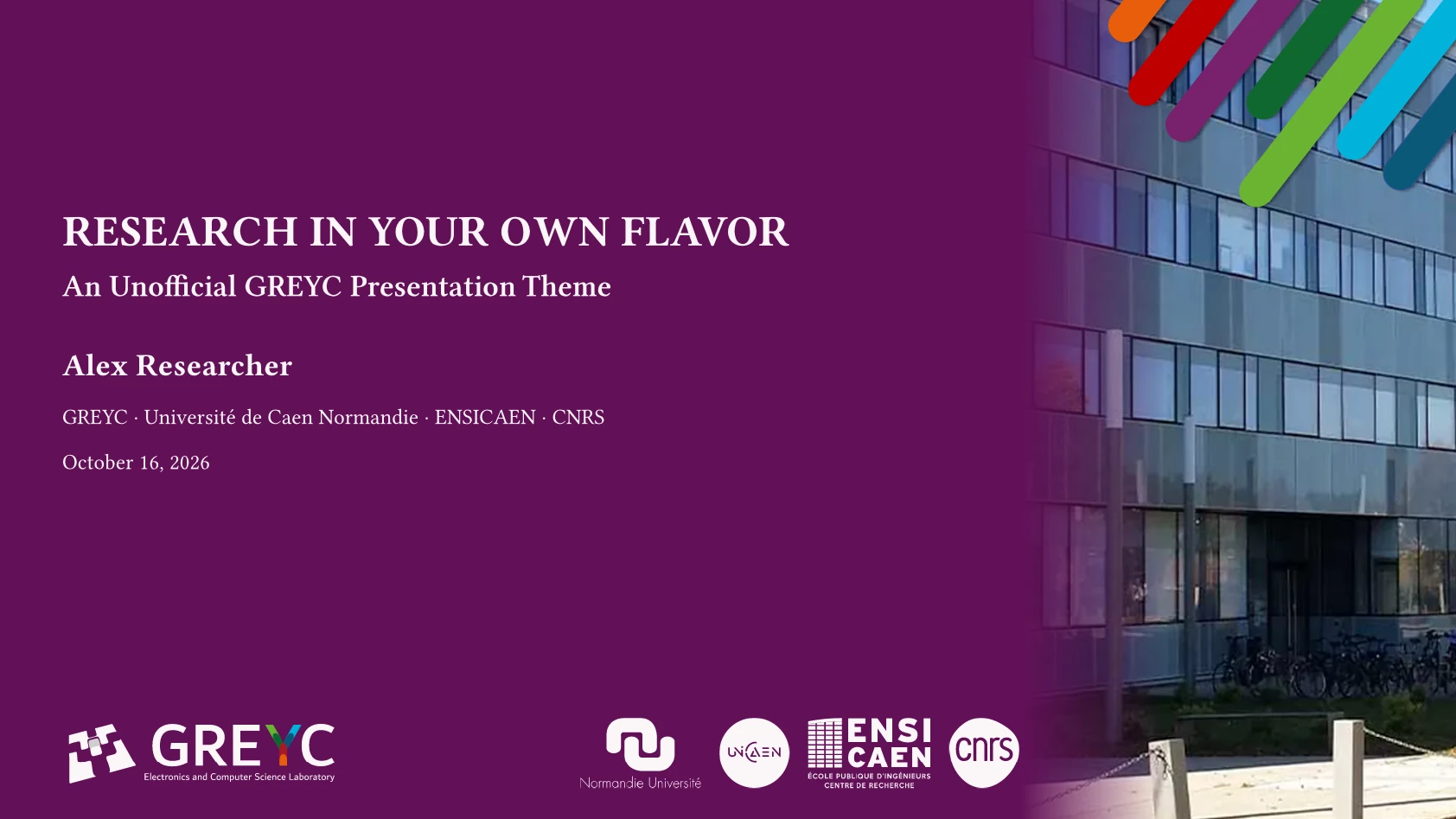



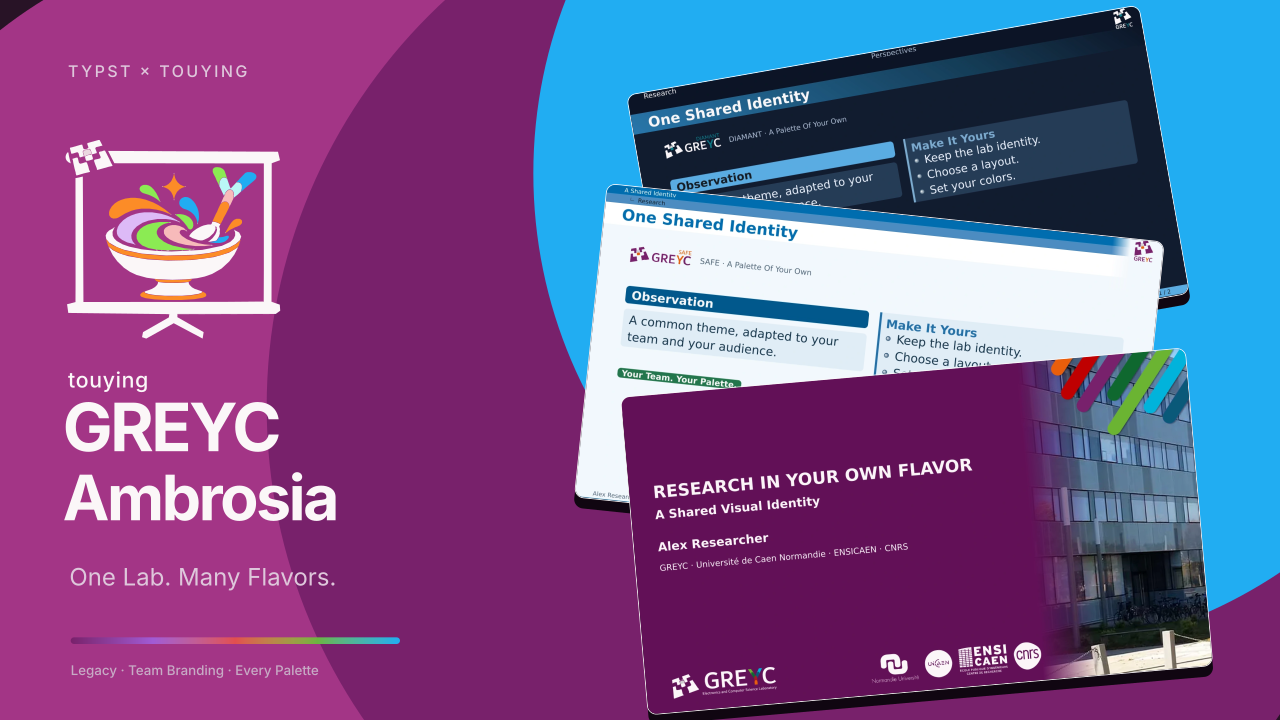
An unofficial Typst presentation theme for the GREYC laboratory, built on Touying Ambrosia. Its default legacy flavor preserves the lab’s earlier LaTeX/PPT appearance. It also supports the core’s seven neutral layouts and configurable light/dark palettes.
This package adds lab/team/partner logos, GREYC color presets, and the legacy cover. Shared layouts, components, citation helpers, and metadata handling live in the core and are re-exported here.
Requirements: Typst 0.15+, Touying 0.8.0, and Touying Ambrosia 0.1.0. Start from the template on Typst Universe.
Explore The Legacy Cover
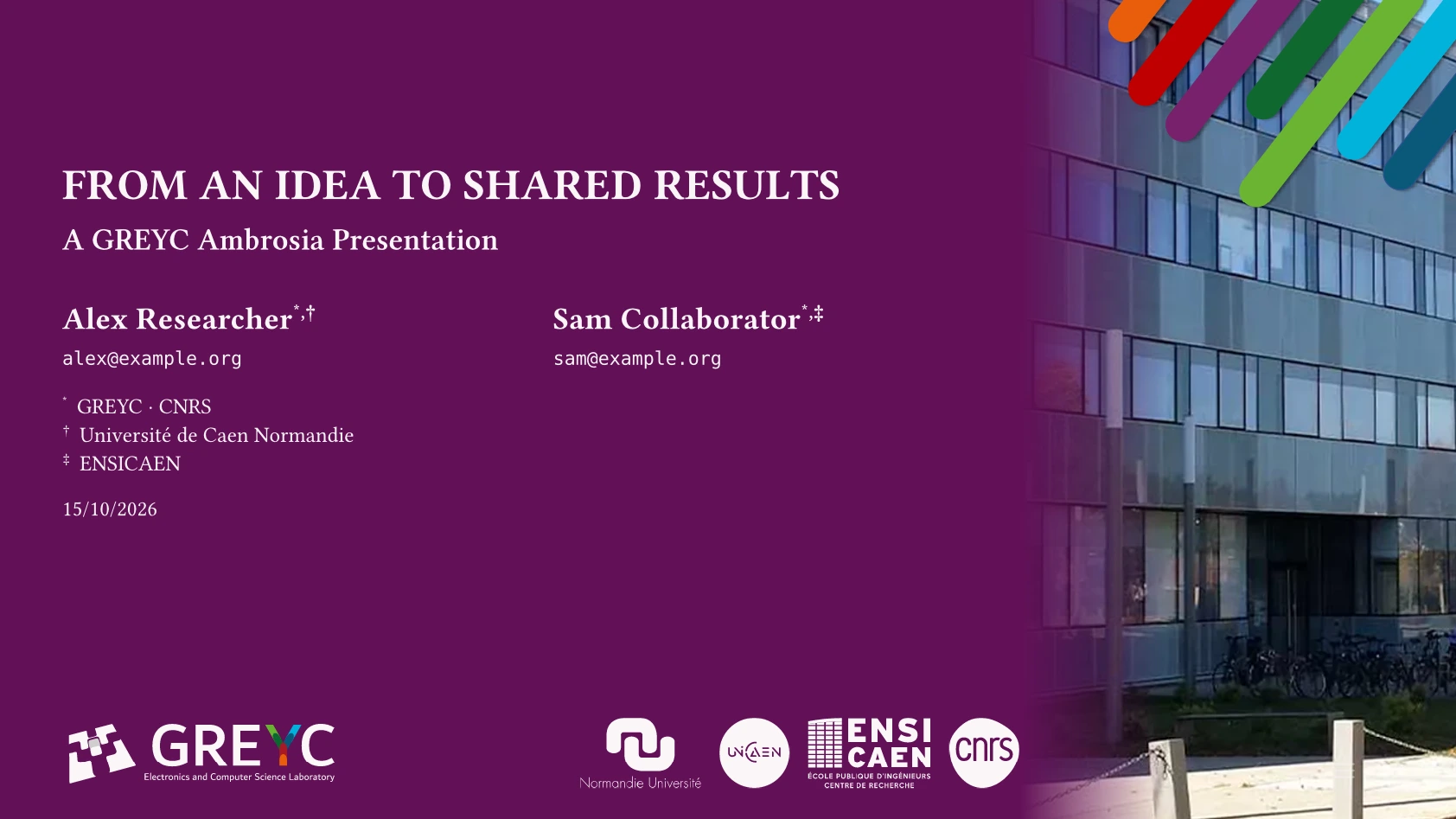
Browse the full legacy demo · Edit its source
Start A Presentation
#import "@preview/touying-greyc-ambrosia:0.2.0": *
#show: greyc-theme.with(
  flavor: "legacy",
  palette: "greyc-light",
  // team: "safe",
  config-info(title: [Research Presentation], author: [Presenter],
    institution: [GREYC · Université de Caen Normandie · ENSICAEN · CNRS],
    date: datetime.today()),
)

#title-slide()
#outline-slide()

= Research
== A Useful Result
#ambrosia-block(style: "poster", kind: "success", title: [Finding])[Evidence.]
#ending-slide(title: [Questions?])[]

#show: appendix
== Supporting Evidence
Additional material.
The complete starter can also be initialized locally:
typst init @preview/touying-greyc-ambrosia:0.2.0 my-slides
GREYC outlines use dotted leaders by default. Set outline-fill: none on the theme, or fill: on an individual outline-slide, to customize them.
flavor selects geometry: legacy (default), simple, cambridge, darmstadt, dewdrop, stargazer, minimal, or portico.
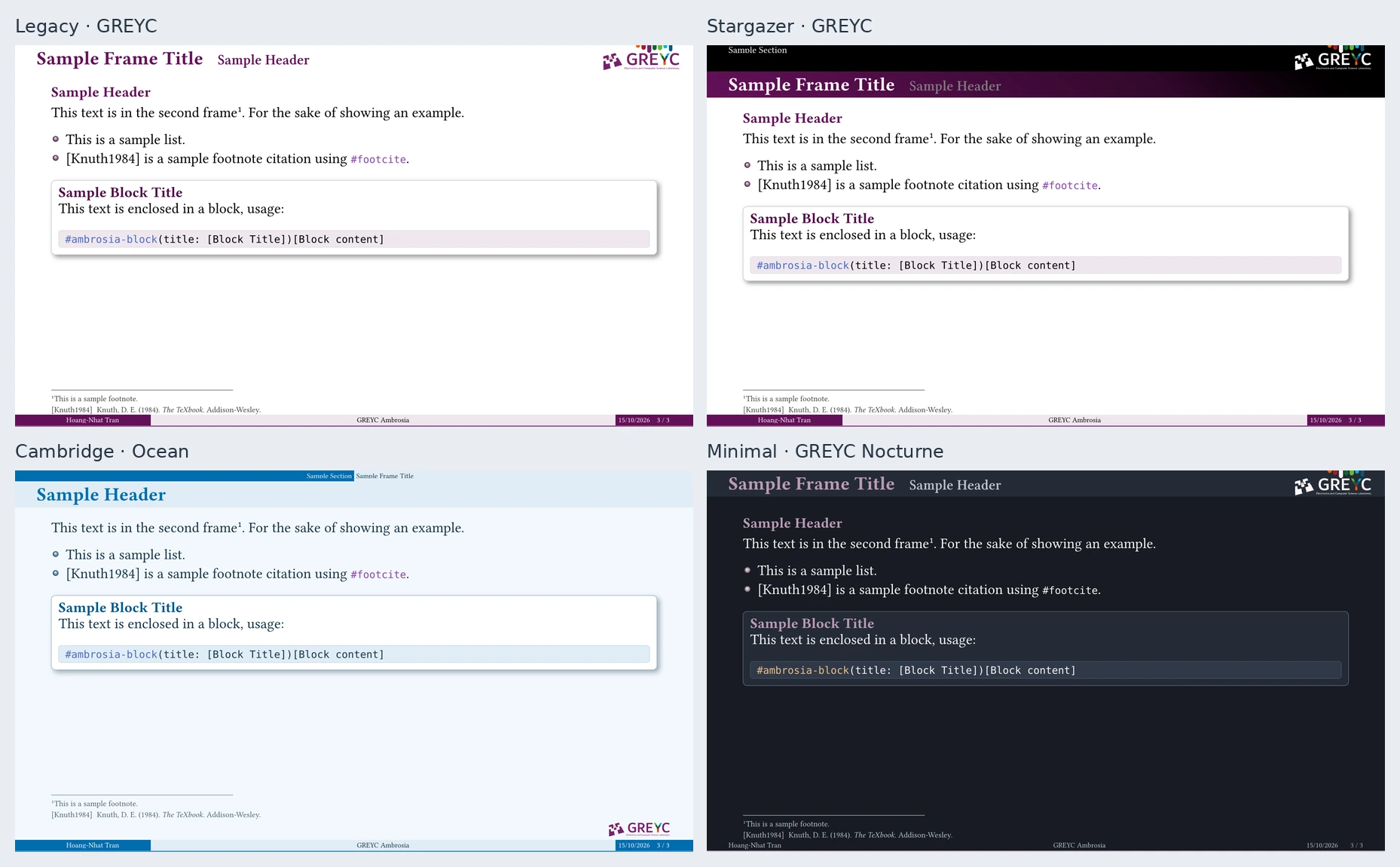
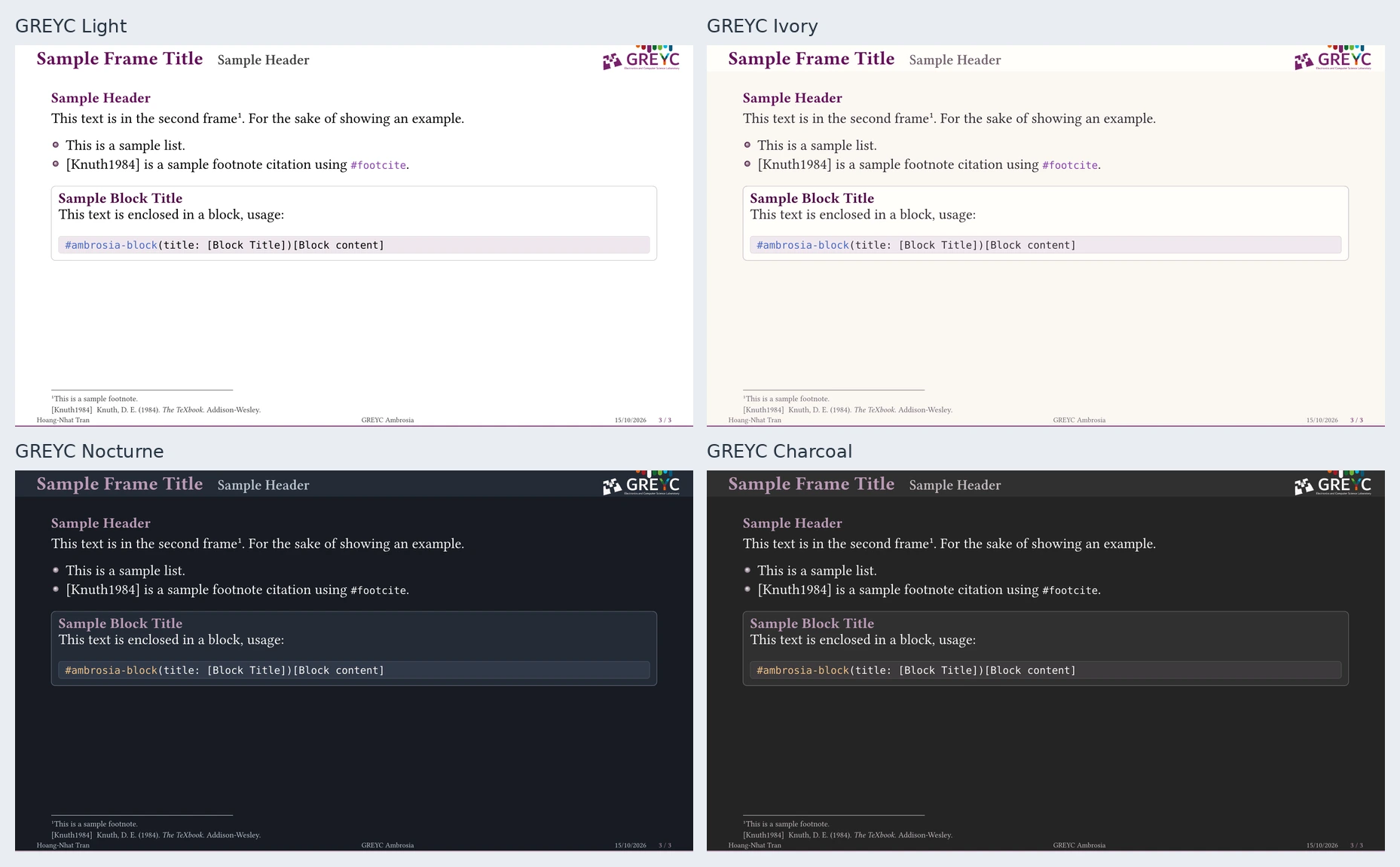
palette selects colors independently. Four lab presets keep the GREYC purple: greyc-light (default, white), greyc-ivory (warm paper), greyc-nocturne (cool dark surfaces), and greyc-charcoal (neutral dark gray). Neutral names such as light, ocean, and midnight use the core’s colors. Use ambrosia-palette(base: "greyc-ivory", primary: ..., name: ...) to compose a lab variation, or any of the core’s twelve presets. See palette configuration.
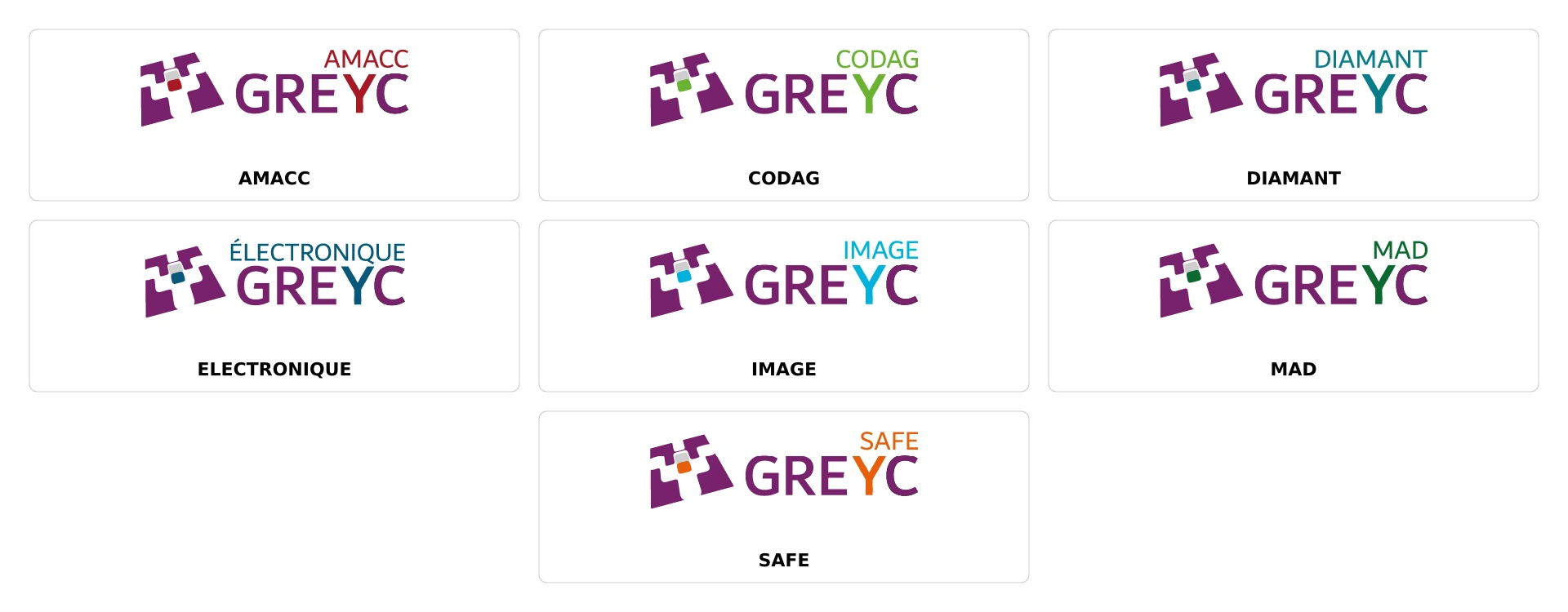
team selects amacc, codag, diamant, electronique, image, mad, or safe, replacing the lab logos while preserving every palette color. team-accent: true optionally adds the team’s original color as a thin stripe on the legacy cover. Logos adapt to their surface: primary purple becomes #FBF7F8 on dark backgrounds while team accents are preserved.
Horizontal title rows group the lab/team mark on the left and institution partners
on the right. The legacy row stays inside its palette-colored text region; team
color can appear in a separate narrow edge strip with team-accent: true. The cover follows the resolved primary color with contrasting text and logos. Featured partners remain centered. primary-logos can replace the lab mark with several repeated marks;
logos holds opening partners. The neutral core offers the same grouping as an
option, while GREYC enables it by default.
See the compact branding example, the longer legacy demo, the team sheet and GREYC branding options. The complete starter is in template/template.typ.
The user guide links the branding reference and shared core documentation.
Shared Features And Examples
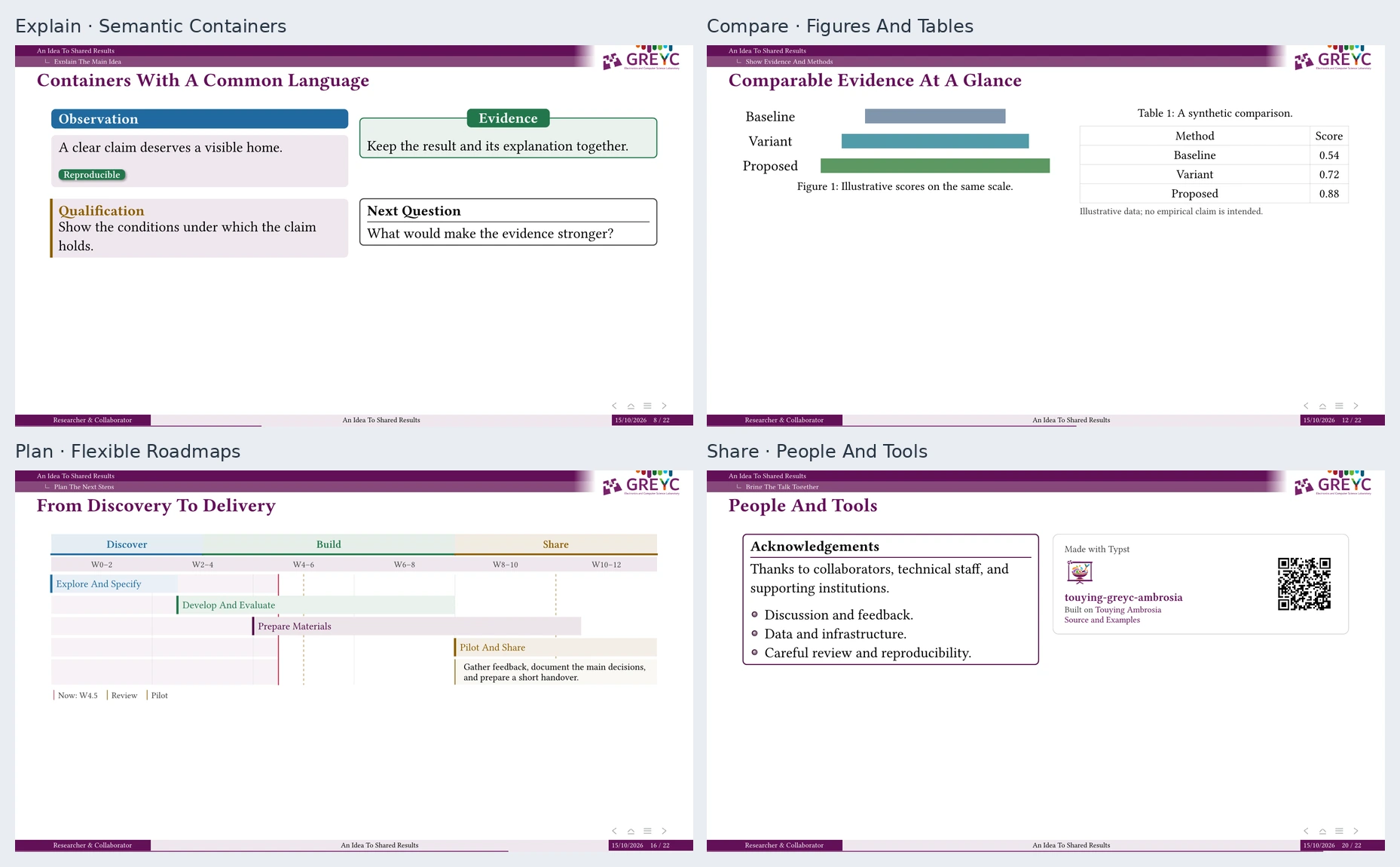
The longer demo keeps the legacy flavor while showcasing selected shared features: linked authors, tree navigation, nested reveals, semantic blocks, text hierarchy, code, citations, a palette showcase, a roadmap, image/focus slides, credits, and a working appendix. Edit its defaults in an IDE; the rendered PDF is available for a quick overview.
The Touying Ambrosia repository is the main home for shared examples and documentation:
- Illustrated manual, public API, and complete demo.
- Palettes and showcase.
- Blocks, citations, and slide helpers.
- Image caption placement, including bands and inset corner cards.
- Authors, linked affiliations, and fitted footers.
- Institution wrapper extensions.
Use greyc-theme in place of ambrosia-theme in those examples. All core authoring helpers are available, including scoped forms such as ambrosia.block, ambrosia.palette-showcase, ambrosia.affiliation, and ambrosia.navigation-buttons. Native #cite / @key citations share the compact author-year labels by default. Configurable header/sidebar navigation, breadcrumbs, section progress, and optional transparent PDF controls are documented in the core’s navigation guide.
The optional #ambrosia-credit-card() uses GREYC Ambrosia branding, a static
repository QR, and a link to the neutral core. qr: false hides the code. It
works in ordinary slides and endings; nothing is inserted automatically. See
the core’s credit/acknowledgement example.
The GREYC card example reuses that renderer for a separate lab-information card with the laboratory website QR.
Contributing
For checkout setup, tests, artwork generation, and release preparation, see CONTRIBUTING.md.
License
Source code is MIT licensed; see LICENSE. GREYC/team logos under
assets/logos/greyc/, partner marks under assets/logos/institutions/, the lab
website QR (assets/qr/qr-code-greyc-light.svg), and the
legacy cover photograph (assets/greyc-cover.webp) retain their respective
owners’ rights and are not relicensed by this software license.
Lab and institutional logos and the cover photograph come from GREYC’s LaTeX and PowerPoint templates. Team logos and their usage guidelines are available from the GREYC communication resources.