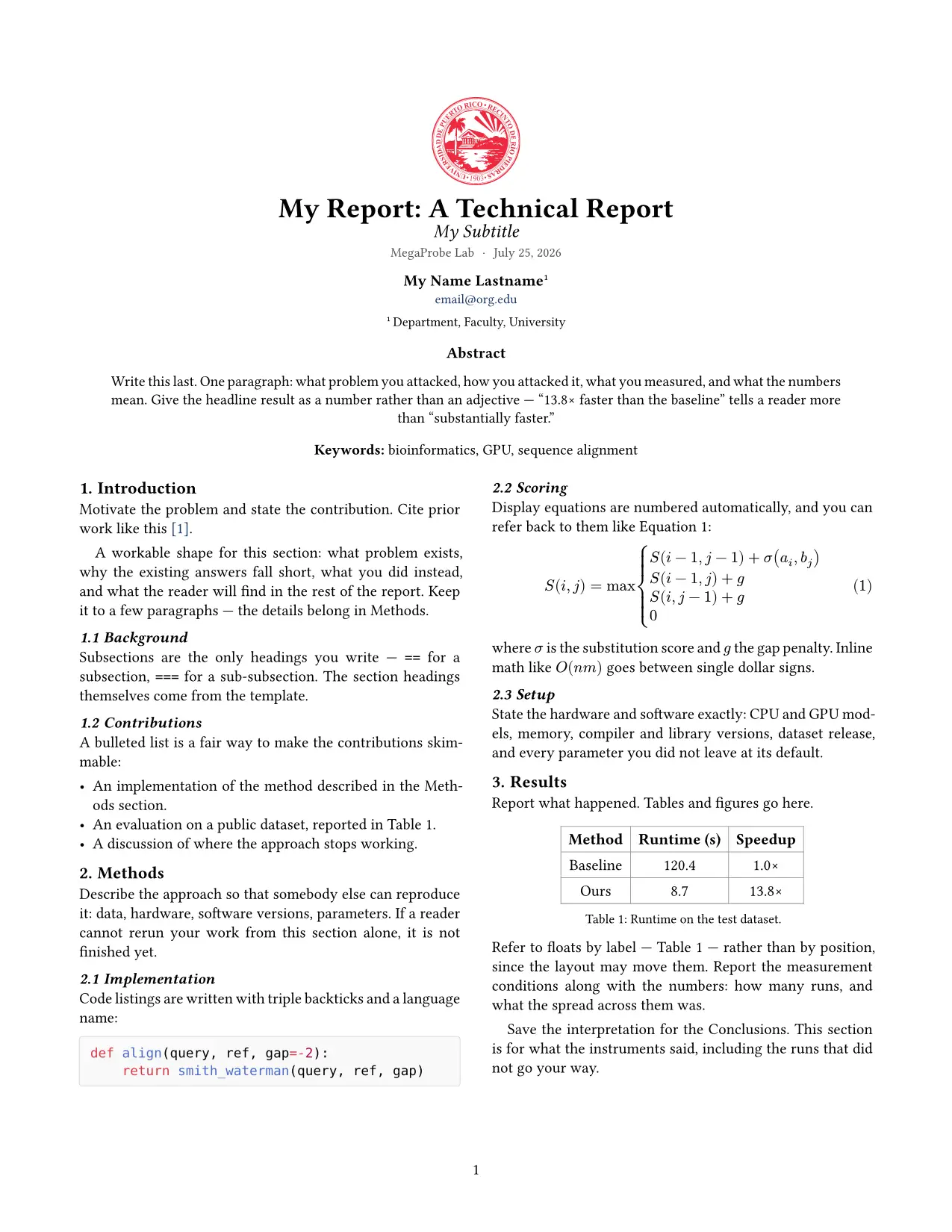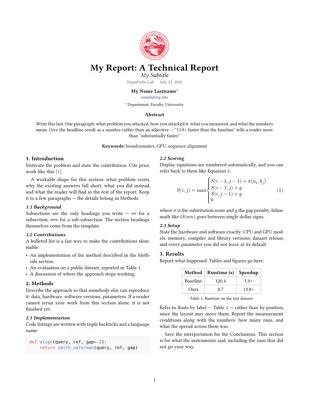
This package provides an unofficial Typst template for writing computer science technical reports in the style used at El MegaProbe Lab (University of Puerto Rico – Río Piedras). It includes a two-column technical report template.
It is not affiliated with, endorsed by, or maintained by El MegaProbe Lab, the Department of Computer Science, or the University of Puerto Rico.
Note: This is only a template. You have to adapt the template to your own report, and discuss the structure and requirements of your report with your advisor!
The template writes the section headings for you — Introduction, Methods,
Results, Conclusions, Future Work, Acknowledgments, References. You fill in the
body of each one, plus any == subsections you want inside it.
Usage
typst init @preview/reprobe
Or in an existing document:
#import "@preview/reprobe:0.1.0": tech-report

#show: tech-report.with(
  title: "Blue",
  authors: (
    (name: "My Name Lastname", email: "email@org.edu", affiliation: 1),
  ),
  affiliations: (
    "Department, Faculty, University",
  ),
  abstract: [...],
  introduction: [...],
  methods: [...],
  results: [...],
  conclusions: [...],
  future-work: [...],
  acknowledgments: [...],
  bibliography: bibliography("refs.bib"),
)
Title
title: "Blue" renders as Blue: A Technical Report — the template appends
the colon and the suffix. A title that already ends in the suffix is left alone.
Change or drop it with title-suffix: "A Progress Report" or
title-suffix: none.
Logo
| Setting | Result |
|---|---|
| (omitted) | the University of Puerto Rico – Río Piedras seal |
logo: none |
no logo |
logo: image("mine.png") |
your own image |
Size it with logo-height: 2cm. The seal ships with the package; if you are not
affiliated with UPR–Río Piedras, use logo: none or supply your own. Pass your
own as an image(...) value rather than a path — a bare path string would be
looked up inside the package instead of next to your document. The same applies
to bibliography: bibliography("refs.bib").
Sections
Emitted in this order, each one skipped when you leave it out:
Abstract → Introduction → Methods → Results → Conclusions → Future Work → Acknowledgments → References
Acknowledgments and References are unnumbered; the rest are numbered 1., 2.,
…, and your subsections become 1.1, 1.1.1.
Write the abstract last — it belongs in the abstract: argument regardless of
when you write it.
Anything you put after the show rule is placed at the end of the document, after the references. That is where appendices go:
= Appendix: Additional Measurements
Authors and affiliations
affiliation is an index into the affiliations list, or an array of indices
for authors with more than one:
authors: (
  (name: "A. Researcher", email: "a@upr.edu", affiliation: 1),
  (name: "B. Researcher", email: "b@upr.edu", affiliation: (1, 2)),
),
affiliations: ("Dept. of Computer Science, UPR–RP", "MegaProbe Lab"),
Skip affiliations entirely and affiliation is printed under the name as
plain text instead. Authors are laid out up to three per row.
References
Cite with @key. References are rendered in IEEE style; change that with
bibliography-style: "apa". Anything you set on the bibliography(...) value
yourself wins over the template’s defaults.
Other options
| Option | Default |
|---|---|
subtitle |
none |
date |
today; accepts any datetime or string, or none |
lab |
"MegaProbe Lab" |
keywords |
() — listed under the abstract |
paper |
"us-letter" |
columns |
2 |
font / mono-font / font-size |
Libertinus Serif / DejaVu Sans Mono / 10pt |
lang |
"en" |
section-names |
override any heading text, e.g. (methods: "Metodología") |
Development
To try changes before publishing, install the package into the @local
namespace and import it as @local/reprobe:0.1.0:
# macOS
ln -s "$PWD" ~/Library/Application\ Support/typst/packages/local/reprobe/0.1.0
# Linux
ln -s "$PWD" ~/.local/share/typst/packages/local/reprobe/0.1.0
License
The template code is MIT licensed.
assets/logo.svg is the institutional seal of the University of Puerto Rico –
Río Piedras and is not covered by the MIT license — all rights in the seal
remain with the University. See the scope note at the end of
LICENSE. If you are not affiliated with UPR–Río Piedras, set
logo: none or pass your own with logo: image("...").