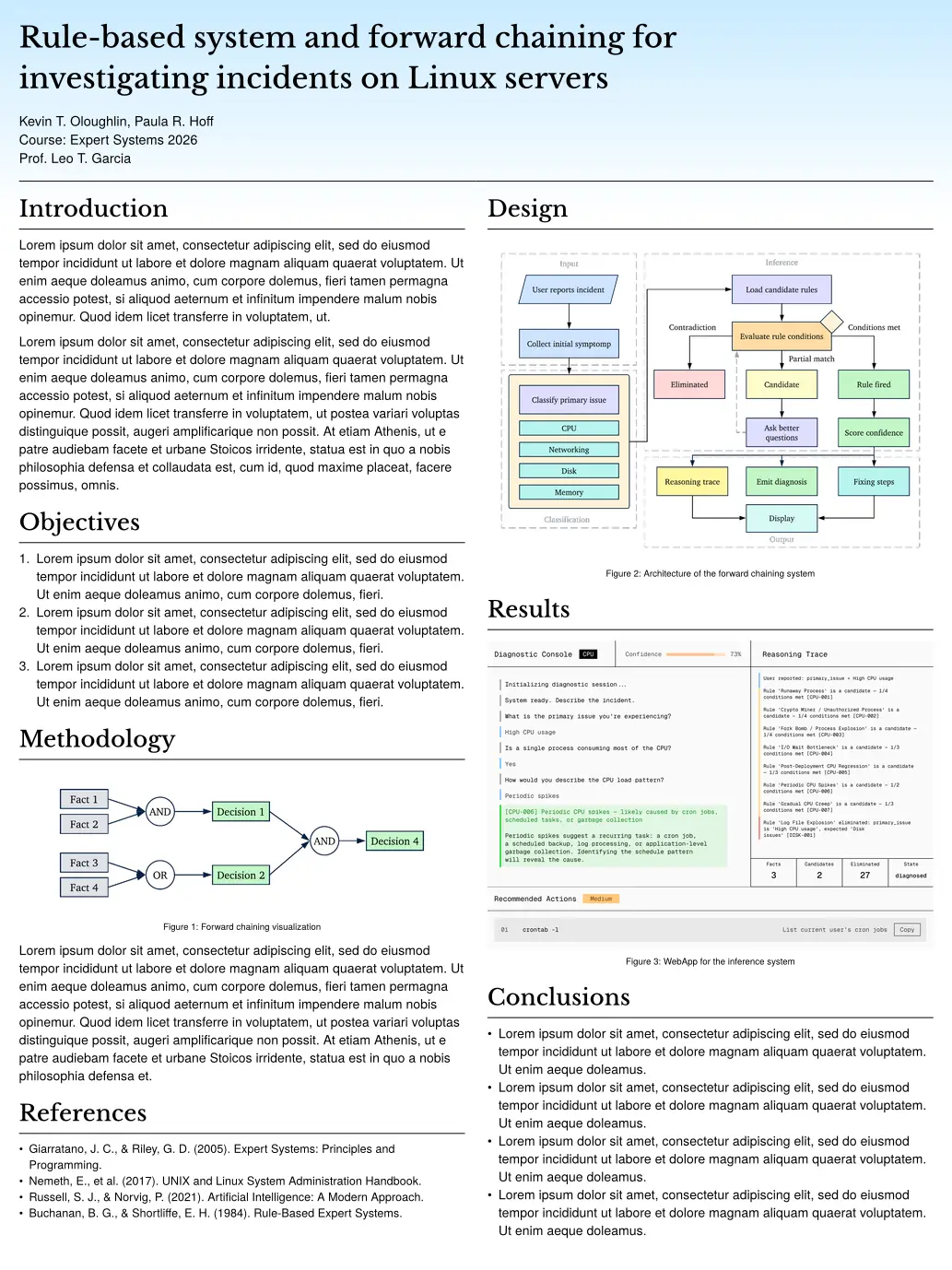
A clean, modern, two-column academic research poster template for Typst (75 × 100 cm). Built for university project presentations, research showcases and conference poster sessions.
Features
- Standard poster dimensions: pre-configured for 75 cm × 100 cm prints.
- Two-column layout: native column flow, with the built-in
#colbreak()to start the next column. - Built-in colour themes: switch between preset header gradients (
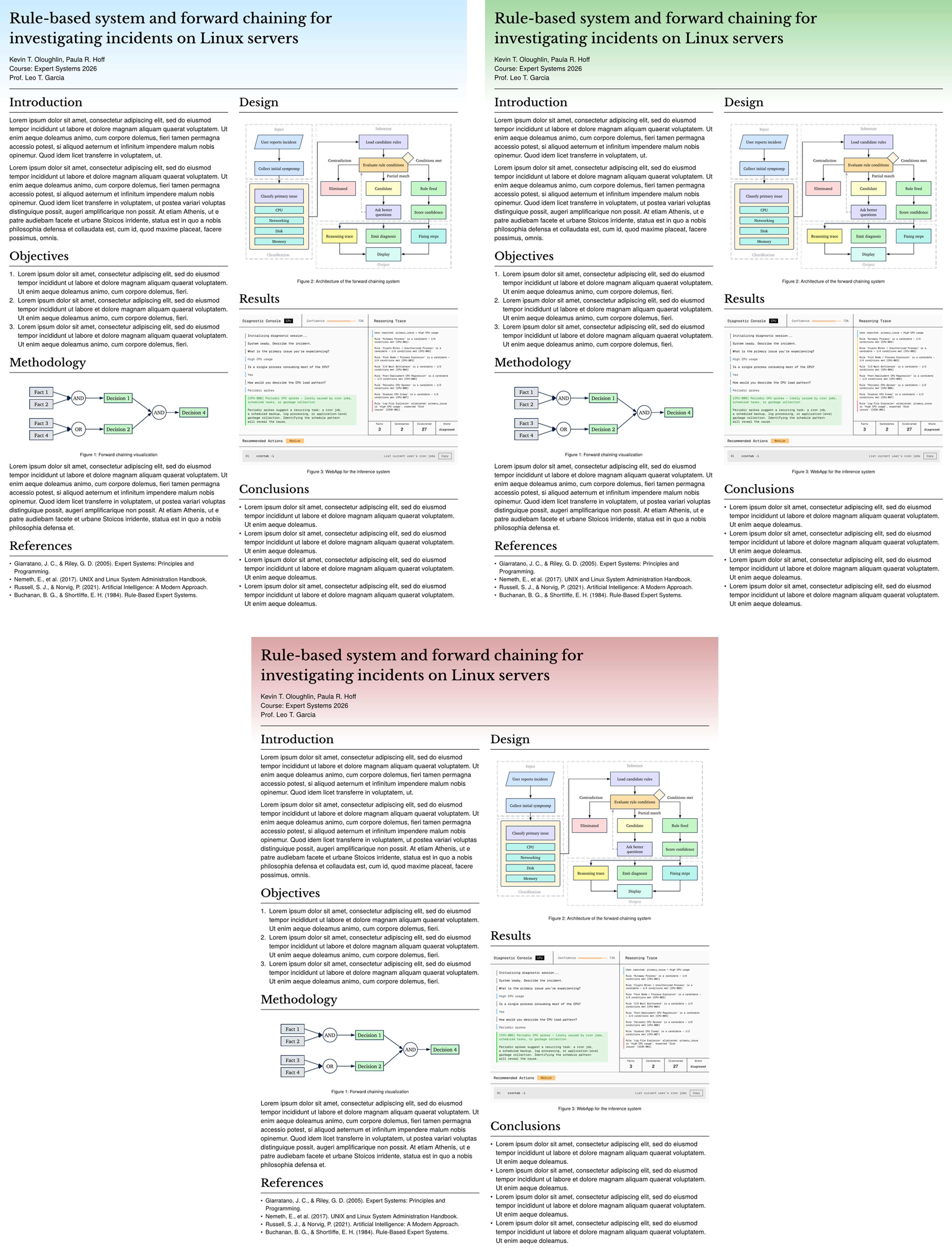
"blue","green","red") or supply your own gradient or colour. - Flexible header: aligns title, authors, free-form information lines and an optional institutional logo.
- Semantic components: concise
#section(title: "...")[content]blocks for readable markup. - Adjustable type scale: every font size in the layout is a parameter.
Quick start
Using the Typst CLI
Initialize a new project from Typst Universe:
typst init @preview/pasquino:0.1.0 my-poster
cd my-poster
typst watch main.typ
Manual import
If you already have a Typst document, import the package at the top of your .typ file:
#import "@preview/pasquino:0.1.0": poster, section

#show: poster.with(
  title: [Rule-based system and forward chaining for\ investigating incidents on Linux servers],
  authors: ("Kevin T. Oloughlin", "Paula R. Hoff"),
  info: (
    [Course: Expert Systems 2026],
    [Prof. Leo T. Garcia],
  ),
  logo: image("logo.png", width: 18cm),
  theme: "green",
)

#section(title: "Introduction")[
  Your text and figures go here.
]

#colbreak()

#section(title: "Results")[
  Content for the right column.
]
Configuration & parameters
poster(...)
Applied with a show rule. Every argument is optional.
| Parameter | Type | Default | Description |
|---|---|---|---|
title |
content / str |
"" |
Main title. Use \ for line breaks. |
authors |
array of str |
() |
Author names, joined with commas onto one line. |
info |
array of content |
() |
Further header lines, printed one per line below the authors. |
logo |
content / none |
none |
An image(...) element. Pass image(...) rather than a path string, so the path resolves relative to your document. |
theme |
str / color / gradient |
"blue" |
Preset name ("blue", "green", "red") or a custom gradient. |
banner-height |
relative |
17% |
Height of the coloured header band. |
gutter |
length |
50pt |
Space between the two columns. |
title-size |
length |
64pt |
Poster title. |
heading-size |
length |
50pt |
Section headings. |
body-size |
length |
29pt |
Body text. |
meta-size |
length |
30pt |
Authors and information lines. |
caption-size |
length |
20pt |
Figure captions. |
An unknown theme name raises an error listing the valid ones.
section(...)
#section(title: "Methodology")[
  Content of the section.
]
| Parameter | Type | Default | Description |
|---|---|---|---|
title |
content / str |
none |
Heading shown above the content. |
presets
The dictionary of built-in gradients, exported so you can inspect or reuse them:
#import "@preview/pasquino:0.1.0": presets
#presets.keys()
Header information lines
info takes a list of complete lines, so punctuation and labels are entirely yours, useful when they differ from line to line or aren’t in English:
#show: poster.with(
  authors: ("Ada Lovelace", "Alan Turing"),
  info: (
    [Asignatura: Sistemas Expertos],
    [Prof. Fernando],
    [*Grupo 4*],
  ),
)
Customizing colour themes
Built-in presets
Pass a preset name to theme:
#show: poster.with(
  theme: "red",
)
Custom gradients
Pass any Typst gradient directly:
#show: poster.with(
  theme: gradient.linear(rgb("#11998e"), rgb("#38ef7d"), angle: 45deg),
)
License
Released under the MIT No Attribution license, so posters you build with this template carry no attribution requirement.