[中文]
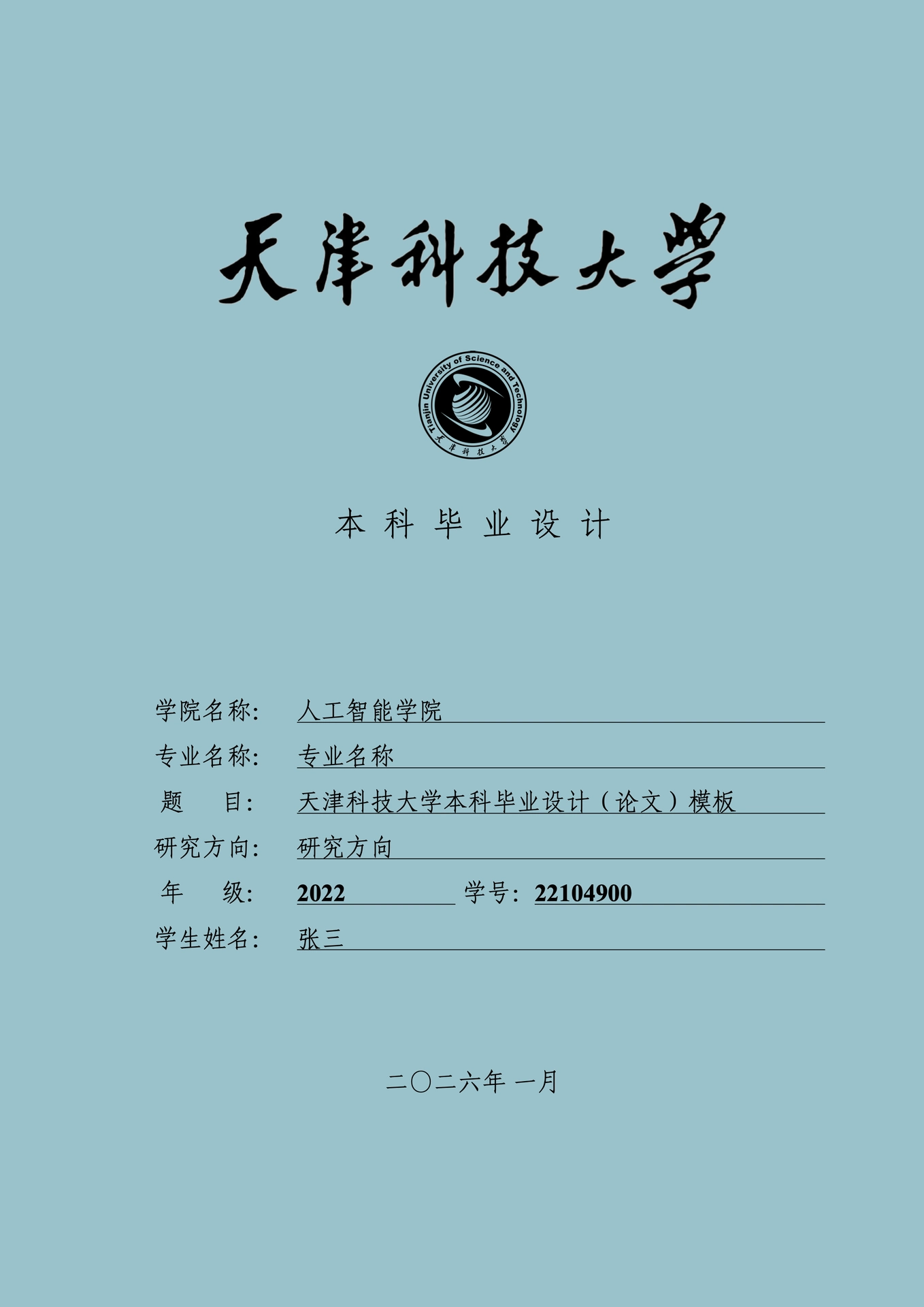
This template is designed for undergraduate thesis writing at Tianjin University of Science and Technology (TUST). It is adapted from modern-sjtu-thesis with the structure and typography adjusted to comply with the university’s guidelines.
Usage
Web App
Use the Typst Web App to start a new project from this template directly in your browser:
- Open https://typst.app/
- Click “Start from template” and search for “modern-tust-thesis”
- Create a new project from the template
- Edit and preview in the web editor
Note: The web app environment may not include all the fonts used by this template. You may see font fallback warnings, but compilation will succeed. For the best visual results with proper fonts, use one of the other methods below or upload the fonts manually.
VS Code with Tinymist (Recommended)
For users who prefer local editing, VS Code together with the Tinymist Typst extension provides a convenient workflow:
- Install the Tinymist Typst extension in VS Code for syntax highlighting, error checking, and PDF preview.
- Press
Ctrl + Shift + P(Windows) /Command + Shift + P(macOS) to open the command palette, then run Typst: Show available Typst templates (gallery) for picking up a template to open Tinymist’s Template Gallery. - Find modern-tust-thesis in the gallery, click ❤ to favorite it, then click + to create a new project.
- Open the generated folder in VS Code, open
thesis.typ, and pressCtrl + K V(Windows) /Command + K V(macOS) or click the top-right preview button for live editing and preview.
Command Line with typst init
If you prefer using Typst directly from the command line:
- Ensure you have Typst installed
- Initialize a new project from this template:
typst init @preview/modern-tust-thesis:0.1.0 - Edit the generated files with your preferred editor
- Compile with:
typst compile thesis.typ
Template Entry and Configuration
The following section is mainly relevant if you are working with this repository directly (e.g. for customization or development of the template):
- Entry file: template/thesis.typ
- Global information is configured through the
infoconfiguration;work-typeis used to select between “Design/Thesis”.
Features Overview
- Chinese cover, English cover, declaration page, task description, abstract, table of contents, main content, bibliography, acknowledgments, and appendices
- Figures, tables, algorithms, theorem environments with examples
- Equations with numbering and word count statistics
Font Notes
The template includes a cross-platform font fallback list. If certain fonts are missing on your system, Typst will issue warnings but compilation will not be affected. You can customize the font list as needed in utils/style.typ.
Acknowledgments
This template is adapted from modern-sjtu-thesis and references the organizational methods of some third-party open-source templates. For detailed license information, see third_party/.
License
This project is licensed under the MIT License.
It also includes third-party components licensed under other open source licenses. See the third_party/ directory for details.
University Logo
This template includes the logo of Tianjin University of Science and Technology for the purpose of academic thesis formatting.
The university logo is not covered by the MIT license of this package. Its use is intended for non-commercial, academic, and educational purposes only, such as preparing theses or reports for the university.
Users are responsible for ensuring that their use of the logo complies with the university’s policies and applicable regulations.