All contributions (no matter if small) are always welcome.
To see how you can help and where to start see Contributing file.
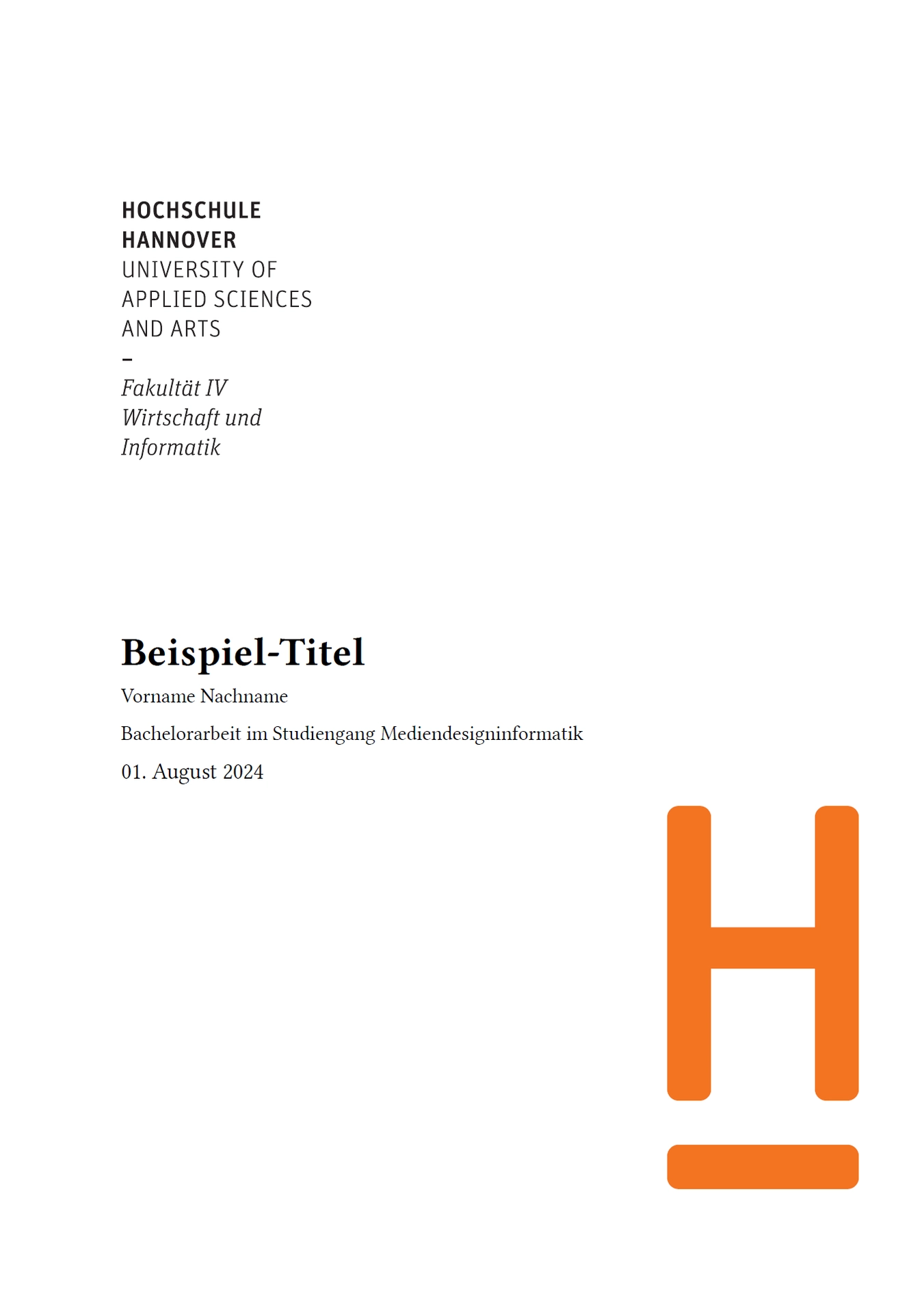
A template for writing a bachelors or masters thesis at the Hochschule Hannover, Faculty 4.
Getting Started
WebApp
Choose the template in the typst web app and follow the instructions there.
Terminal
typst init @preview/modern-hsh-thesis:1.1.2
Import
#import "@preview/modern-hsh-thesis:1.1.2": *

#show: project.with(
  title: "Beispiel-Titel",
  subtitle: "Bachelorarbeit im Studiengang Mediendesigninformatik",
  author: "Vorname Nachname",
  author_email: "vorname@nachname.tld",
  matrikelnummer: 1234567,
  prof: [
    Prof. Dr. Vorname Nachname\
    Abteilung Informatik, Fakultät IV\
    Hochschule Hannover\
    #link("mailto:vorname.nachname@hs-hannover.de")

  ],
  second_prof: [
    Prof. Dr. Vorname Nachname\
    Abteilung Informatik, Fakultät IV\
    Hochschule Hannover\
    #link("mailto:vorname.nachname@hs-hannover.de")
  ],
  date: "01. August 2024",
  glossaryColumns: 1,
  bibliography: bibliography(("sources.bib", "sources.yaml"), style: "institute-of-electrical-and-electronics-engineers", title: "Literaturverzeichnis")
)
Import parameter
While subtitle, author and many more parameters are self-explanatory, some parameters require additional context to understand their full meaning and usage.
Parameter title (optional, String or Fragment)
The title of the thesis. This can be a string or content.
Content is useful if you want to use a custom size or color for the title.
Usage for content:
title: [
    #text(weight: "semibold")[Example-Title]
  ],
Parameter chapter-break-mode (optional, String)
“default”: Ensures each chapter begins on a left-hand page, potentially inserting an additional blank page if necessary
“recto”: Ensures each chapter begins on a right-hand (recto) page, potentially inserting an additional blank page if necessary
“next-page”: Forces a page break before starting each new chapter
“none”: Chapters continue on the current page without interruption
Parameter custom-declaration-of-independence (optional, String)
A custom declaration of independence. If not provided, the default declaration will be used.
Parameter justify-title (optional, boolean, default:true)
Can be used to disable the justification of the title. Helpful for long titles.
Parameter custom-logo1, custom-logo2 (optional, Image)
Can be used to display custom logos on the title page. If not provided, the default logos will be used. Example usage:
custom-logo1: image("LUH.svg", width: 26%),
Additional functions
customFunctions.typ contains additional functions that can be used in the template.
#small-line: A small line that can be used to separate sections.
#task: A card that can be used to create a list of tracks (see example in 1-einleitung.typ).
#track or ##narrow-track: A track that can be displayed inside a task (see example in 1-einleitung.typ).
#use-case: Display a Use Case (see example in 1-einleitung.typ).
#attributed-quote: Display a quote with an attribution.
#diagram-figure, #code-figure, #image-figure, #tree-figure: Wrap an image/code/diagram/tree-list in a figure with a caption.
#image-figure-no-pad: Display a figure without padding.
Development Environment
In WebStorm make sure to open a Git Bash Console.
0. Install Just winget install --id Casey.Just --exact
- Install Typst https://github.com/typst-community/typst-install
- Clone the repository
- CD into the repository
- Run
git pull && just install && just install-previewto install/update the template - Run
typst init @local/modern-hsh-thesis:1.1.2 && typst compile modern-hsh-thesis/main.typto compile the template
FAQ
Change Hyphenation (Silbentrennung)
#set text(lang: "de")
#set text(hyphenate: true)
Disable Blocksatz
#set par(justify: false)
Disable Blocksatz for headings only
#show heading: it => [
  #set par(justify: false)
  #it
]
Additional Documentation
Take a look at this complete Bachelor’s thesis example using the modern-hsh-thesis template: Bachelor’s Thesis Example