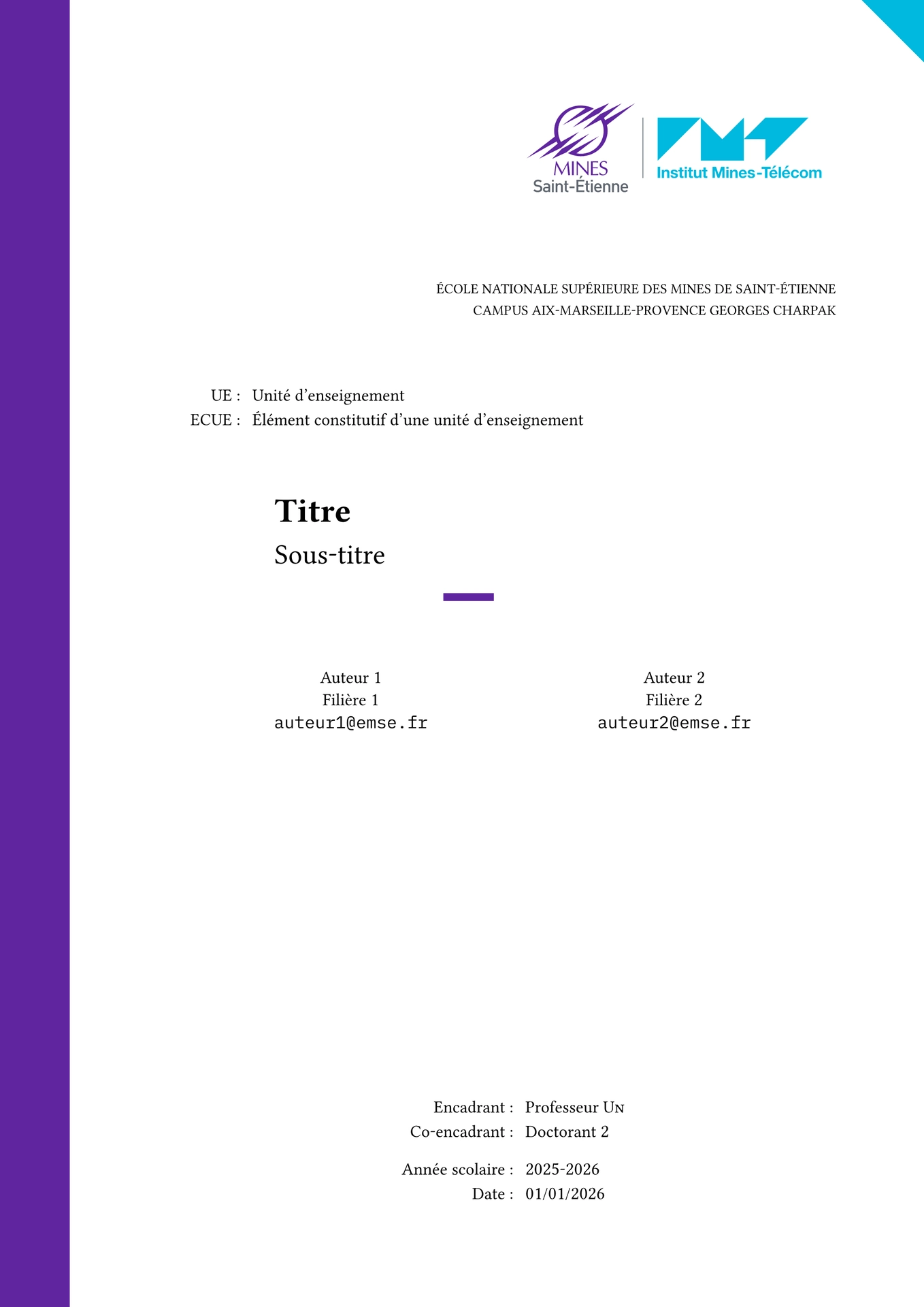
This template is the one I use to write my reports at EMSE. It uses the Typst language and was greatly inspired by Timothé Dupuch’s template, the Bubble template, the ilm template, and the Diatypst template. Many of the typographic rules were drawn from Butterick’s Practical Typography. I also recommend reading Règles françaises de typographie mathématique by Alexandre André, available here.
The file manuscr-ismin.pdf is a PDF preview of the compiled output.
I have tried to showcase all the possibilities offered by Typst and the manuscr-ismin function; the content is obviously meant to be adjusted to your needs.
To learn more about Typst and its functions, you can refer to the documentation, which is very comprehensive. Ctrl+Click (or Cmd+Click) also works on functions in the web app editor.
Usage
I recommend using the Typst web app, but it is also possible to install the compiler as a CLI tool on your machine. A great setup is Visual Studio Code with the Tinymist extension.
- The
template.typfile contains all the display rules and functions, - the
main.typfile contains the content you want to include in the report, - the
bibs.yamlfile contains bibliographic references (in Hayagriva format, but Typst also supports BibLaTeX — swap the file as you see fit), - the
assetsdirectory contains the graphic resources for the template theme, - the
imagesdirectory contains the images included in the document.
manuscr-ismin
All configuration is done directly through the parameters of the manuscr-ismin function in main.typ.
Below is a description of its parameters:
title: the document title (required),subtitle: the subtitle,school: information about the school, as a dictionary:name: the school name,subname: the campus or subdivision name;
course: information about the course, as a dictionary:ue: the label displayed for the teaching unit (e.g."UE"),ecue: the label displayed for the constituent element (e.g."ECUE"),name: the name of the teaching unit,subname: the name of the constituent element;
authors: list of authors, each as a dictionary; if using only one author, do not forget to leave a trailing comma:name: the author’s name,affiliation: the author’s track/programme,email: their email address;
mentor1,mentor2: supervisors, each as a dictionary:role: the role (e.g."Supervisor","Co-supervisor"),name: the name,email: the email address;
date: the date,academic-year: the academic year,logo: the logo to use; defaults to the EMSE logo,header: the header content (free Typst content),show-imt-triangle: boolean to show or hide the decorative IMT triangle on the cover page (default:true),latex-look: boolean to use New Computer Modern fonts instead of the default ones, for a LaTeX-like appearance (default:false),main-colour: the document’s primary colour; defaults to the EMSE purple (violet-emse),other-colour: the document’s secondary colour, used notably for the decorative triangle; defaults to the IMT blue (blue-imt),lang: changes typographic rules to suit either the French or the English language; can be"fr"or"en".
Functions and colours
violet-emse: the EMSE purple colour,gray-emse: the EMSE grey colour,blue-imt: the IMT blue colour,lining: use to get lining (classic) numerals locally; old-style figures blend well with lowercase text, but not with uppercase,arcosh: the inverse hyperbolic cosine function for math mode.