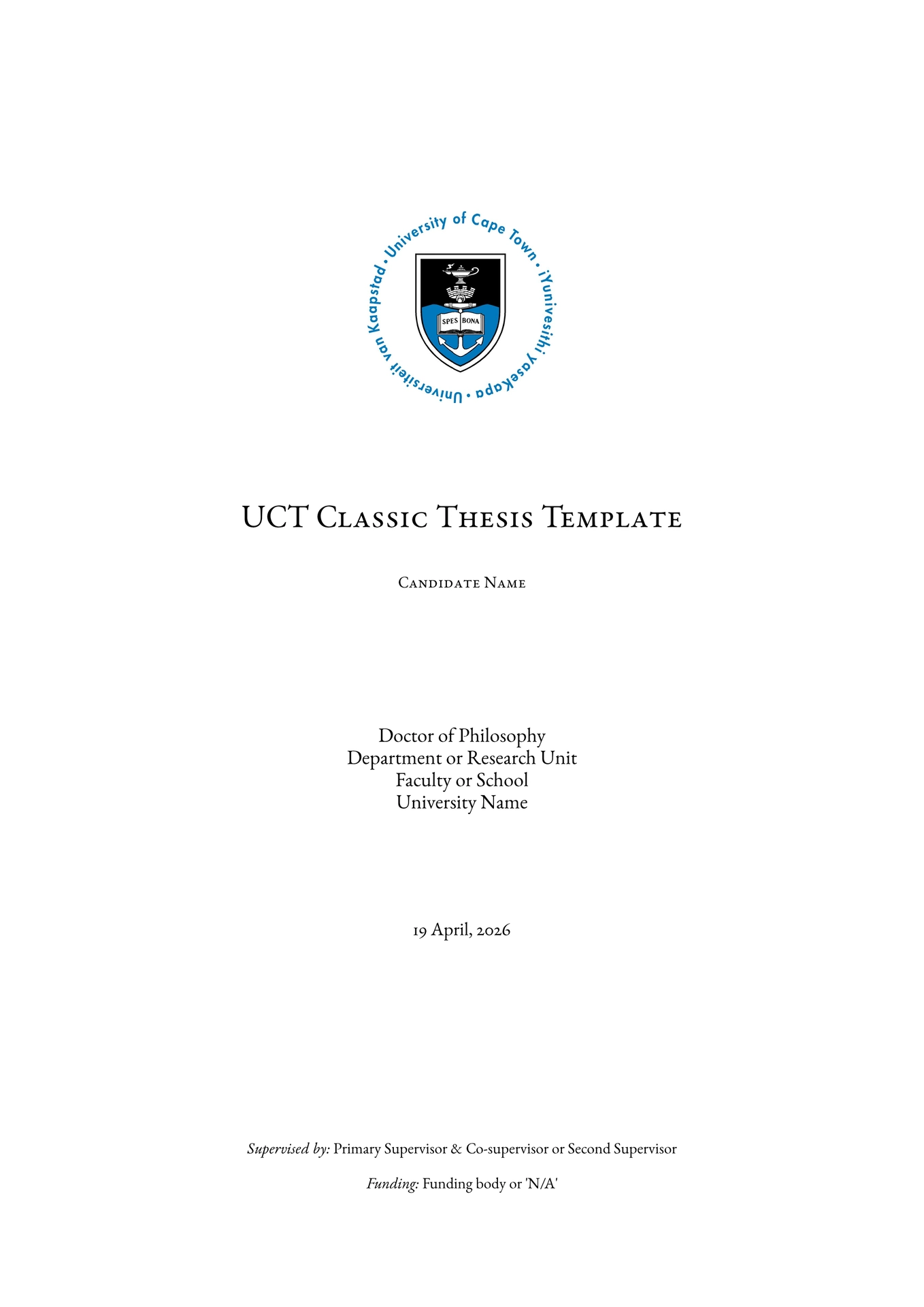
Unofficial PhD thesis or research proposal at the University of Cape Town, in the Classic Thesis tradition.
A two-sided A4 document with mirrored margins, EB Garamond typography in spaced small caps, side-caption figures, tables and algorithms, margin-set equation numbers, and a centred-column front matter (title page through acronyms) that gives way to the asymmetric major-column layout in the main matter.
This project is inspired by the Classic Thesis project by André Miede and adapted for use at the University of Cape Town.
The project is in no way affiliated with the University of Cape Town or André Miede.
Quick start
The fastest way is to scaffold a new project with the Typst CLI:
typst init @preview/classic-thesis-uct:0.1.5 my-thesis
cd my-thesis
typst watch main.typ thesis.pdf
Or in the Typst web app, click Start from template and select this package.
The generated project gives you a runnable main.typ, seven chapter stubs, an example bibliography, and the layout module ready for editing.
Note: All images in the template were generated using Gemini 3.1 Flash Image and do not violate the rights of any idividual or entity. Replace with your own figures when creating your thesis.
Using as a library
If you would rather drive the layout yourself, import the module from your own document:
#import "@preview/classic-thesis-uct:0.1.5": *

#let meta = (
  title: "On the Categorical Imperatives of Penguins",
  logo: image("graphics/uct-logo.png", width: 43mm),
  degree: "Doctor of Philosophy",
  name: "Jane Q. Doe",
  supervisor: "Prof. A. Supervisor",
  co_supervisor: "Dr. B. Co-supervisor",
  faculty: "Faculty of Science",
  department: "Department of Statistical Sciences",
  university: "University of Cape Town",
  location: "Cape Town, South Africa",
  date: "23 April, 2026",
  funder: "National Research Foundation",
)

// Omit `logo` to use the package's default UCT mark.

#show: configure.with(meta)
#set heading(numbering: "1.1")
#set bibliography(style: "ieee", title: none)

#title-page(meta)
#title-back(meta)

#abstract-page[
  A short statement of the problem, the gap, the approach, and the contribution.
]

#contents-page()
#list-of-figures-page()
#list-of-tables-page()
#list-of-algorithms-page()

#acronym-page((
  ([HCI], [Human-Computer Interaction]),
  ([ML], [Machine Learning]),
))

#counter(page).update(1)

#pagebreak(to: "odd")
#chapter("Introduction", "1")[
  == Context

  Set up the research area, motivate the topic, and narrow toward the gap.

  #image_figure("1.1", [Conceptual overview of the system.])[
    #image("graphics/overview.png", width: 100%)
  ]

  == Problem Overview

  The displayed equation
  #numbered_equation("1.1")[
    $J(theta) = sum_(i=1)^n w_i (y_i - hat(y)_i (theta))^2$
  ]
  defines the loss to be minimised.
]

#bibliography-page(bibliography("references.bib"))
main.typ in the bundled template wires up these calls verbatim, including a switch from the centred front-matter geometry to the mirrored main-matter geometry between the acronyms and the first chapter — see the comments in that file for the exact #set page(...) blocks to copy if you are starting from scratch.
Layout
- A4, two-sided. British English (
lang: "gb"), justified text, EB Garamond body and small caps. - Front matter (
title-page…acronym-page): single column 130 mm wide, page-centred, no running header, lower-roman folios true-centred on the sheet. - Main matter (
chapter): mirroredinside/outsidemargins so the major column stays 130 mm wide and the outer margin is wider, hosting marginalia. Arabic folios with a horizontal shift that keeps them visually centred on the physical page. - Marginalia. Figure / table side captions, equation numbers in
minor_top,minor_middle,minor_bottomplacements; type and number tinted in a muted grey-blue (label-color). - Running head. Spaced small-caps chapter title at the outer edge of the major column on every page except the first page of each chapter (which already shows the title prominently).
- Chapter openings. Large grey numeral in the outer margin, title in spaced caps over a thin rule.
- TOC, lists of figures and tables, and references all use the same “title + rule” front-matter heading style; hidden level-1 headings let the running-head logic and chapter-opening detection treat them like chapters without polluting the outline.
Public API
Exported from the package entry point:
| Symbol | Purpose |
|---|---|
configure(meta, body) |
Show-rule template: applies metadata, fonts, paragraph and base page settings. Use as #show: configure.with(meta). |
title-page(meta), title-back(meta) |
Title recto and verso (no header/footer, no folio). Set meta.logo to project-local image content to override the default package logo. |
abstract-page(body), contents-page(), list-of-figures-page(), list-of-tables-page(), list-of-algorithms-page(), acronym-page(items) |
Front-matter sections. |
chapter(title, number, body) |
Chapter opener: large numeral, title, rule, then body. Emits a hidden level-1 heading for outline and running-head purposes. |
image_figure(number, caption, body) |
Full-width figure with side caption in the outer margin. |
side_caption_table(number, caption, widths, rows) |
Table with side caption. |
side-caption-algorithm(caption, body) |
Algorithm block with a side caption reading “Algorithm N.N”. body is the pseudocode (e.g. a table with numbered lines); numbered per chapter and listed by list-of-algorithms-page(). |
numbered_equation(number, body) |
Centred display equation, label vertically centred in the outer margin. |
bibliography-page(body) |
Odd-page break, “References” heading, then body rendered in the major column. The user calls #bibliography(...) themselves so paths resolve relative to the project. |
major_column_block(body) |
Full-width block sized to the current page’s text area. |
minor_top(body), minor_middle(body), minor_bottom(body) |
Place arbitrary content in the outer margin, aligned for parity. |
folio_footer(format, shift: ...) |
Folio used by #set page(footer: ...); pass shift: 0mm for symmetric (front matter) margins. |
classic_header() |
Running head used by #set page(header: ...) in main matter. |
spaced_caps(body, size: ...), spaced_smallcaps(body, size: ...) |
Heading-style text. |
accent, label-color, chapter-gray, rule-stroke |
Design tokens. |
body-font, display-font, heading-font, smallcaps-font, mono-font |
Font name constants. |
inner-margin, outer-margin, page-top-margin, page-bottom-margin, front-matter-side-margin, major-column, caption-gutter, caption-width |
Geometry constants. |
Customisation
- Candidate and institution: edit the
metadictionary inmain.typ. - Chapter list: add or remove
#chapter("...", "N")[...]calls and the matchingchapters/chapter0N.typfiles. - Geometry, colours, fonts: change the constants at the top of the layout module, or override individual
#set page(...)blocks inmain.typ(see the front-matter / main-matter switches). - Citation style: change the
#set bibliography(style: ..., title: none)line inmain.typ(defaults to IEEE). - Heading rules: the show rules for level-2, -3 and -4 headings live in
main.typso they are easy to retune per project without forking the layout module.
Fonts
The template uses these families, which Typst will look up in the system or bundled font search path:
- EB Garamond 12 — body
- EB Garamond SC 12 — small caps and headings
- EB Garamond — bold (strong) text only: the body face ships no bold, so
*strong*falls back toEBGaramond-Bold.ttf(familyEB Garamond). Point the compiler at that font, or strong text silently renders in the regular weight:--font-path fontson the CLI,TYPST_FONT_PATHS=fonts,tinymist.fontPathsin Tinymist (this repo’s.vscode/settings.jsonalready does that), or install the bold face system-wide. - Michelangelus — level 3 and 4 headings
- Geist Mono — monospace
If compilation fails with “font not found”, install the families above:
- EB Garamond (Google Fonts; also available from Georg Duffner)
- Geist Mono (Google Fonts)
- Michelangelus (Microsoft Download Center)
Compatibility
- Typst 0.11 or newer (uses
context,query,metadata,here()). - A4 paper assumed throughout. Switching paper size requires updating
front-matter-side-margin(it is computed against210mm).
Status
This is an early release. Bug reports, layout regressions, and pull requests are welcome through the project’s issue tracker.
Licensing
The package is distributed under a split SPDX expression — GPL-2.0-or-later AND MIT-0 — so that documents scaffolded from the template are not encumbered by the copyleft terms that apply to the layout code itself.
| Path | Licence | File |
|---|---|---|
lib.typ, classicthesis-uct.typ, assets/, thumbnail.png, README.md |
GNU General Public License v2 or later | LICENSE |
Everything under template/ (the project skeleton copied by typst init) |
MIT No Attribution (MIT-0) | template/LICENSE |
In plain English: if you modify or redistribute the layout module (the code that defines the classic-thesis visual style), GPL v2 applies and you must share your changes under the same licence. If you run typst init @preview/classic-thesis-uct:0.1.5 to start a thesis and then write your own document on top of the scaffold, the resulting work is yours — MIT-0 imposes no attribution or licence-distribution requirement.
If you ship this package bundled inside a larger distribution, you must include both licence files.